Creating a Right Triangle with "Polyline" Function
in AutoCAD 2009
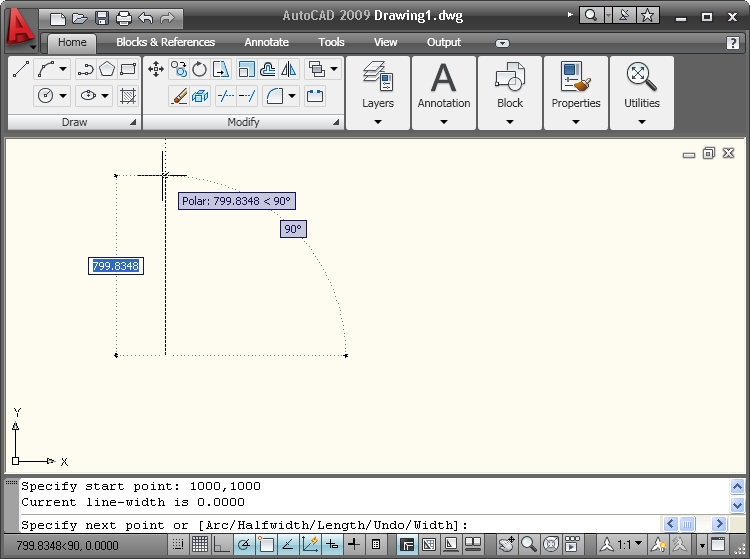
Command: PLINE
Specify start point: 1000,1000
Specify next point or [Arc/Halfwidth/Length/Undo/Width] : 800
[Any number (for length of segment) would have done, or any point. To highlight the accuracy of CAD, I have entered in triangle side lengths (800 and 600) that would give an easily checked hypotenuse (1000).]
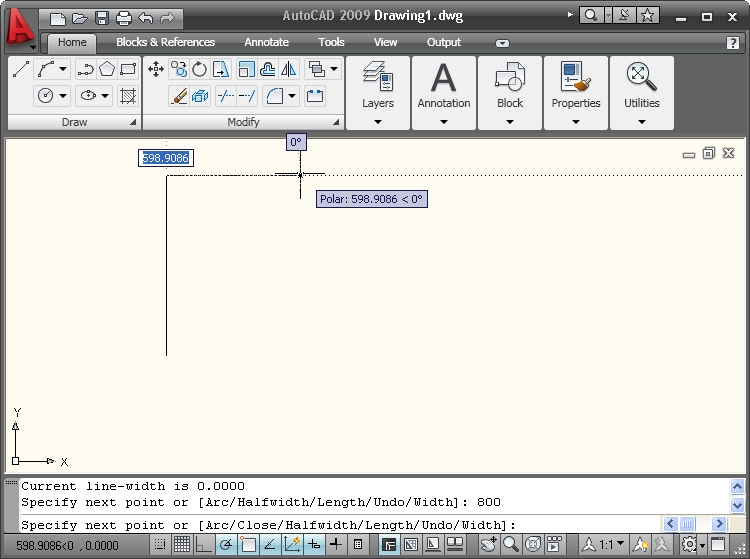
Keep at 0 degrees from X-axis.
Specify next point or [Arc/Close/Halfwidth/Length/Undo/Width] : 600
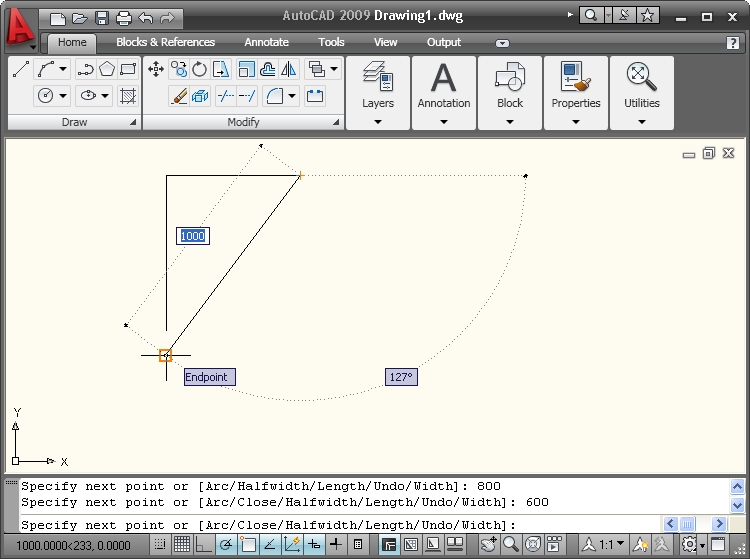
Move mouse to Endpoint. The length displayed should read 1000.
And it does.
Specify next point or [Arc/Close/Halfwidth/Length/Undo/Width] : C
This closes the triangle.
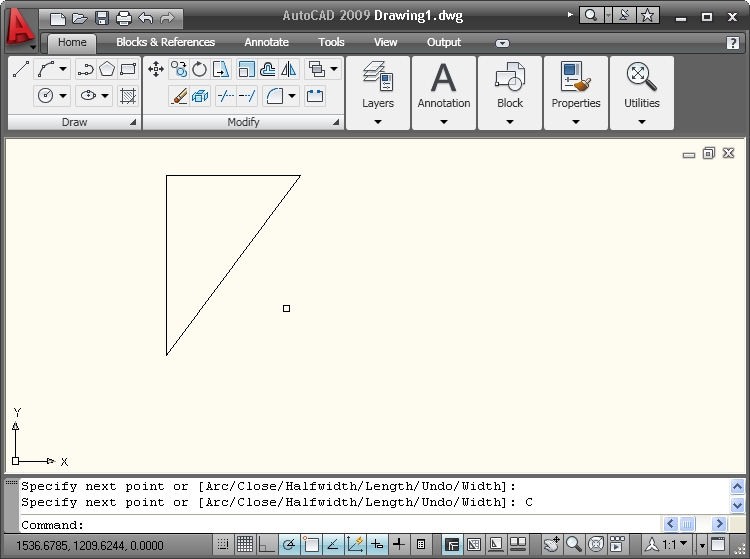
The completed right triangle.